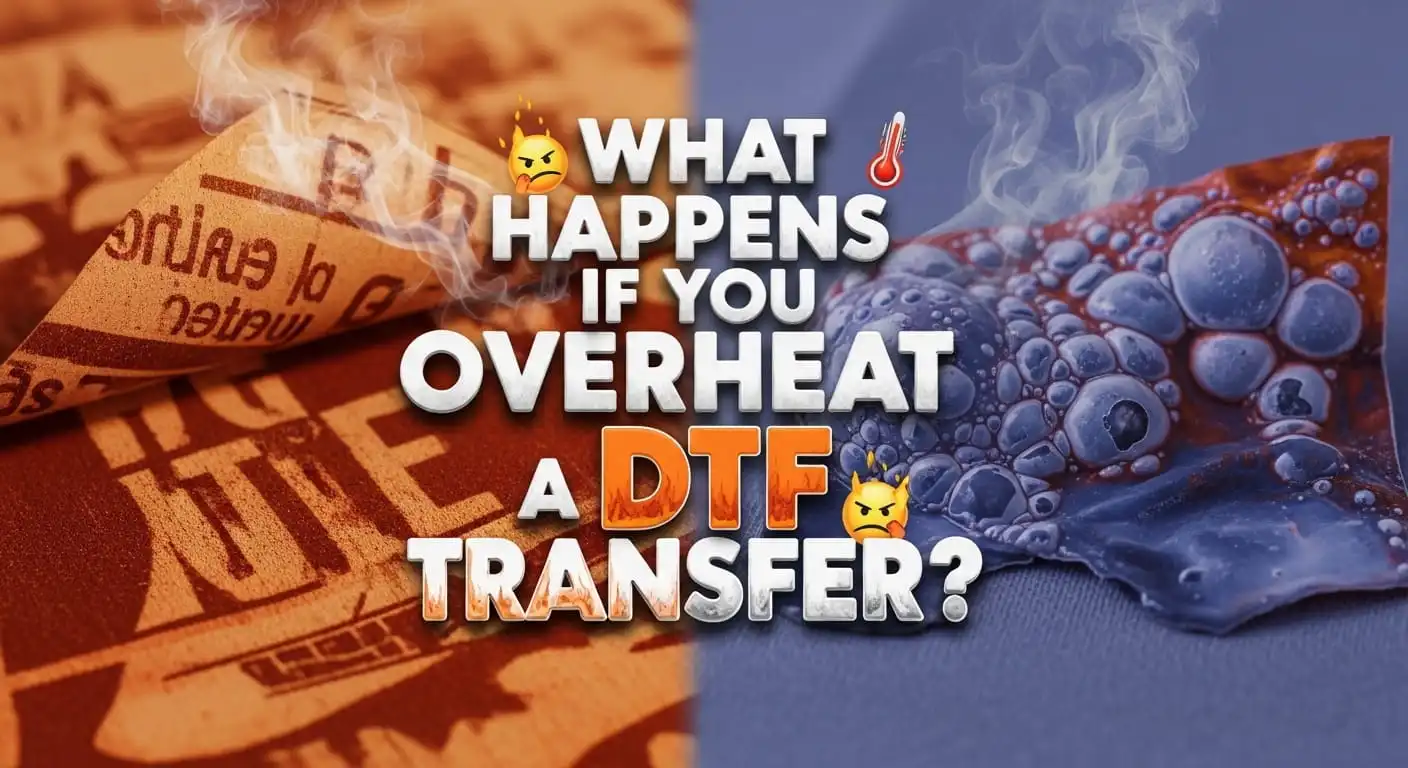
If you work with DTF printing, you already know one thing, heat makes or breaks your print. I’m Shumail Ahmed, and I’ve seen many cases where a perfect design gets ruined in seconds. Why? Because of overheating, DTF transfer mistakes. At first, it feels confusing. You follow the steps, but the result still looks off. The colours fade, the film sticks badly, or the print cracks early. So, what actually happens when you apply too much heat? Let’s break it down in a simple way, based on real work and real issues I’ve handled at Wise DTF Prints.
What Does Overheating a DTF Transfer Mean?
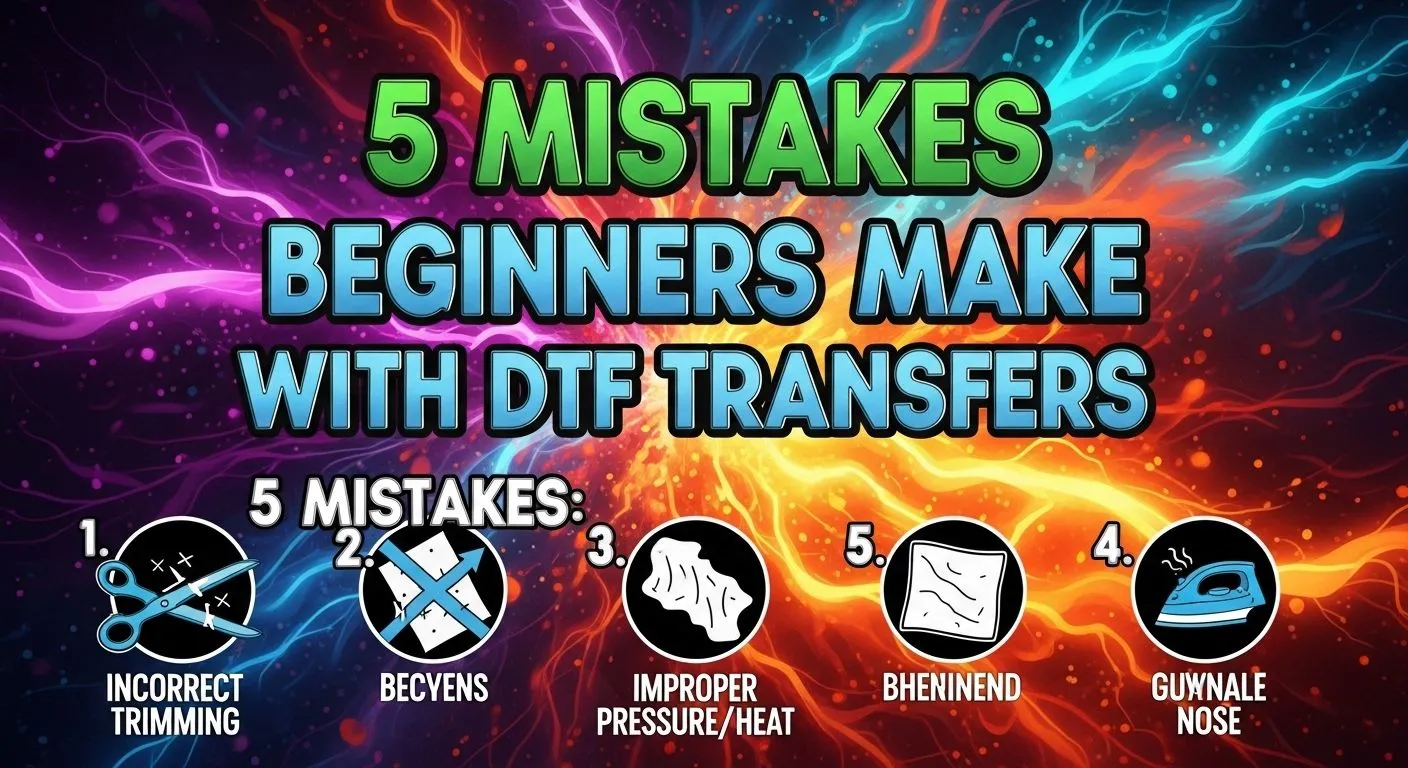
Overheating happens when you apply a higher temperature, longer press time, or too much pressure than needed. This leads to serious DTF transfer heat damage, even if your print looked perfect before pressing. Most beginners think more heat gives better results. That is not true. DTF printing needs balance, not force.
What Happens If You Overheat a DTF Transfer?
Let me explain this clearly. When you overheat a DTF transfer, several things go wrong at once.
1. The Design Starts to Fade
The first sign of too much heat in DTF printing is colour fading. Bright colours lose their depth. Black turns grey. Fine details disappear. This happens because heat breaks down the ink structure. You may not notice it instantly, but after washing, the damage becomes clear.
2. Film Sticks Too Hard or Burns
Another common issue is transfer film overheating. Instead of peeling smoothly, the film sticks too tightly. Sometimes it even melts slightly.
This creates:
- Rough texture
- Patchy finish
- Uneven edges
That’s a classic sign of DTF application errors.
3. The Print Becomes Hard and Uncomfortable
A good DTF print feels soft. But when you over-press, the print becomes stiff. This is known as an over-pressed DTF transfer. Customers notice this quickly, especially on t-shirts. No one likes a heavy, plastic-like print.
4. Cracks Appear After Washing
This is one of the biggest causes of DTF print damage. Excess heat weakens the adhesive layer. The print may look fine at first, but after a few washes:
- Cracks appear
- Edges lift
- Design starts peeling
This is a major heat transfer failure reason.
5. Fabric Gets Damaged
Heat not only affects the transfer. It also affects the garment. With heat press overheating issues, fabric may:
- Burn slightly
- Lose colour
- Shrink unevenly
That means both your print and product quality suffer.
Why Does Overheating Happen?
Let’s be honest, most of these mistakes come from small habits.
Common Causes:
- Incorrect heat press temperature settings
- Pressing for too long
- Using too much pressure
- Not testing before full production
- Poor-quality heat press calibration
These lead to DTF pressing mistakes that ruin results.
Real Example from My Experience
I remember a client who ordered custom prints using our custom DTF gang sheets. The design was perfect. But after pressing, the prints looked dull. The issue? He increased the temperature by 15°C, thinking it would improve bonding. Instead, it caused DTF print defects and wasted his batch. We fixed it by adjusting heat settings and reprinting. That’s why I always say, follow the correct process, not assumptions.
Signs You Are Overheating Your DTF Transfers
If you notice any of these, your heat settings need fixing:
- Colours look faded
- Print feels stiff
- Film does not peel cleanly
- Edges look burnt
- Print cracks early
- Fabric shows shine marks
These are clear DTF transfer quality problems.
Correct Heat Settings for DTF Transfers
Let’s keep this simple and practical.
Ideal Range:
- Temperature: 150°C to 160°C
- Time: 10 to 15 seconds
- Pressure: Medium
These settings avoid excessive heat effects on transfers. Still, always test first. Every fabric behaves differently.
How to Avoid Overheating DTF Transfers
Now let’s fix the problem.
1. Use Accurate Temperature
Never guess your heat level. Always check your machine calibration. Even small changes cause DTF print quality issues.
2. Follow Proper Press Time
More time does not mean better bonding. Stick to recommended timing. Over time leads to over-pressed DTF transfer issues.
3. Test Before Bulk Production
Always run a sample. Even when using high-quality prints like A4 DTF transfer sheetstesting helps avoid loss.
4. Use Quality Transfers
Poor-quality films react badly to heat. That’s why I always recommend using trusted sources, like buying DTF transfers. Good materials reduce heat transfer failure reasons.
5. Maintain Your Heat Press
Your machine must work properly. Uneven heat leads to DTF print damage, even if your settings look correct.
Does Overheating Always Ruin the Print?
Short answer, most of the time, yes. Once heat damages the ink or adhesive, you cannot fully fix it. You may try repressing, but the results stay poor. That’s why prevention matters more than fixing.
Overheating vs Underheating: Which Is Worse?
Both are bad, but overheating is worse. Underheating may cause weak bonding. You can fix it by pressing again. But overheating causes permanent DTF print defects. You cannot reverse burnt ink or damaged adhesive.
How We Handle It at Wisedtfprints.com
At Wise DTF Prints, we focus on consistency. We test every batch. We guide our customers. We help avoid common DTF pressing mistakes. If you are unsure, you can explore our full DTF transfer shop. We provide ready-to-press transfers that work with the correct heat settings.
Quick Checklist Before Pressing
Before you start, check this:
- Correct temperature set
- Time adjusted properly
- Pressure balanced
- Fabric tested
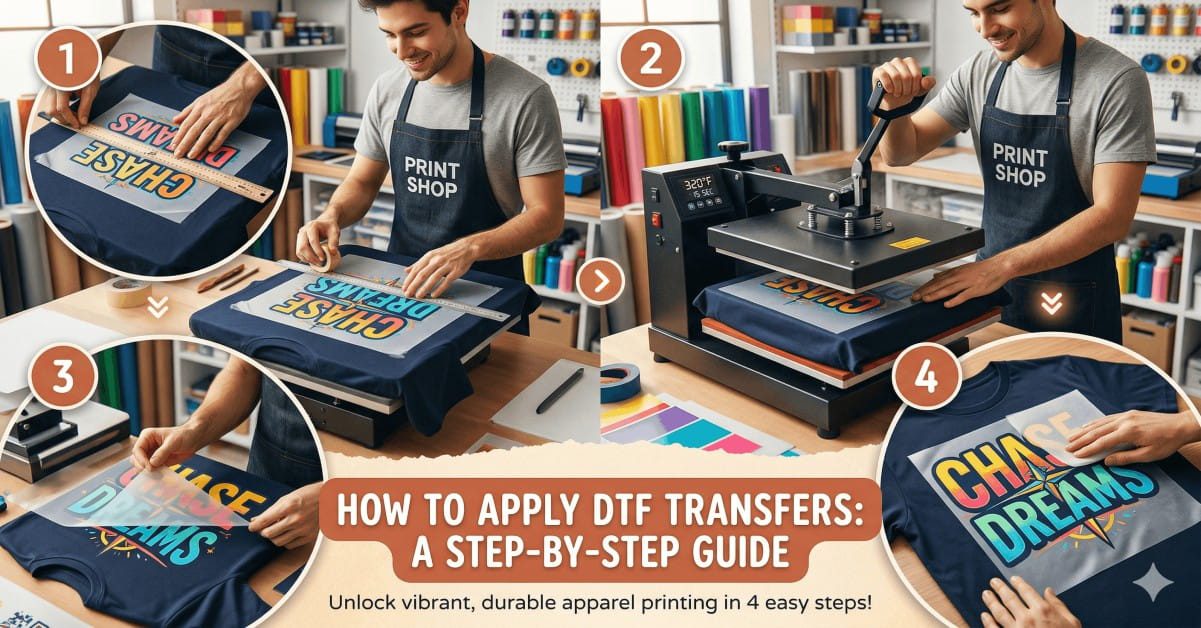
- Film aligned correctly
This simple routine prevents most DTF application errors.
Final Thoughts
Overheating a DTF transfer is one of the most common mistakes I see. It looks small, but it can ruin your work completely.
The key is simple:
- Follow the right settings
- Use quality materials
- Test before pressing
DTF printing is not hard. But it needs attention. Once you control your heat, your results improve instantly.
Read more: Front vs Back T-Shirt Printing
Frequently Asked Questions
Can overheating a DTF transfer be fixed after pressing?
No, in most cases, you cannot fix it. Once DTF transfer heat damage happens, the ink and adhesive are already affected. You may try repressing, but the print will still look dull or feel stiff. It is always better to prevent overheating DTF transfer issues from the start.
How do I know if my heat press temperature is too high?
You will notice clear signs like faded colours, a hard print feel, or film sticking badly. These are common DTF transfer quality problems caused by incorrect heat press temperature. If this happens, lower your temperature slightly and test again.
What is the best way to avoid overheating DTF transfers?
The best way is to follow the correct settings and test before full production. Use proper temperature, time, and pressure. Also, choose high-quality transfers to reduce DTF print damage and avoid common DTF pressing mistakes.